
Skip to content
FamilyArchiveAI

THE WORLD'S #1 AI PHOTO ARCHIVE

Turn a box of family photos into a finished, searchable archive in minutes.

SplitSearchRepair

1,000 photos split, straightened, dated, face-grouped, searchable, and shareable.

$59 once, nothing mailed anywhere.

Create your family archive

Nothing gets mailed. Nothing gets bought. Everything lands in your own Google Drive.

  1. Step 1

    Photograph and upload

  2. Step 2

    AI sorts and fixes

  3. Step 3

    Share with family

FamilyArchiveAI vs. every other option

The other options

Mail-in service, Restoration studio, Photo organizer, Doing it yourself

  • Mail-in scanning for 1,000 photos costs $300 to $750.
  • A restoration studio costs $24 to $36 per photo, or $24,000+ for 1,000 photos.
  • A photo organizer costs $2,000 and up. A scanner costs $629.
  • Repair is not offered, or takes hours in Photoshop. It takes weeks, a week per photo, or years.
  • Your only copies get shipped to a stranger.
  • What comes back is a pile of files, one fixed photo, or files organized by hand. It lives on their cloud.

It takes weeks. A pile of files comes back.
BEST CHOICE

The smarter way

FamilyArchiveAI

  • 1,000 photos costs $59, once.
  • One photo is repaired with one click.
  • It takes minutes.
  • You stay home and use your phone.
  • What comes back is sorted, searchable, and shareable.
  • It lives in your own Google Drive.

A restoration studio charges $24 to $36 to do that to one photo and takes a week. You just did hundreds for pennies.

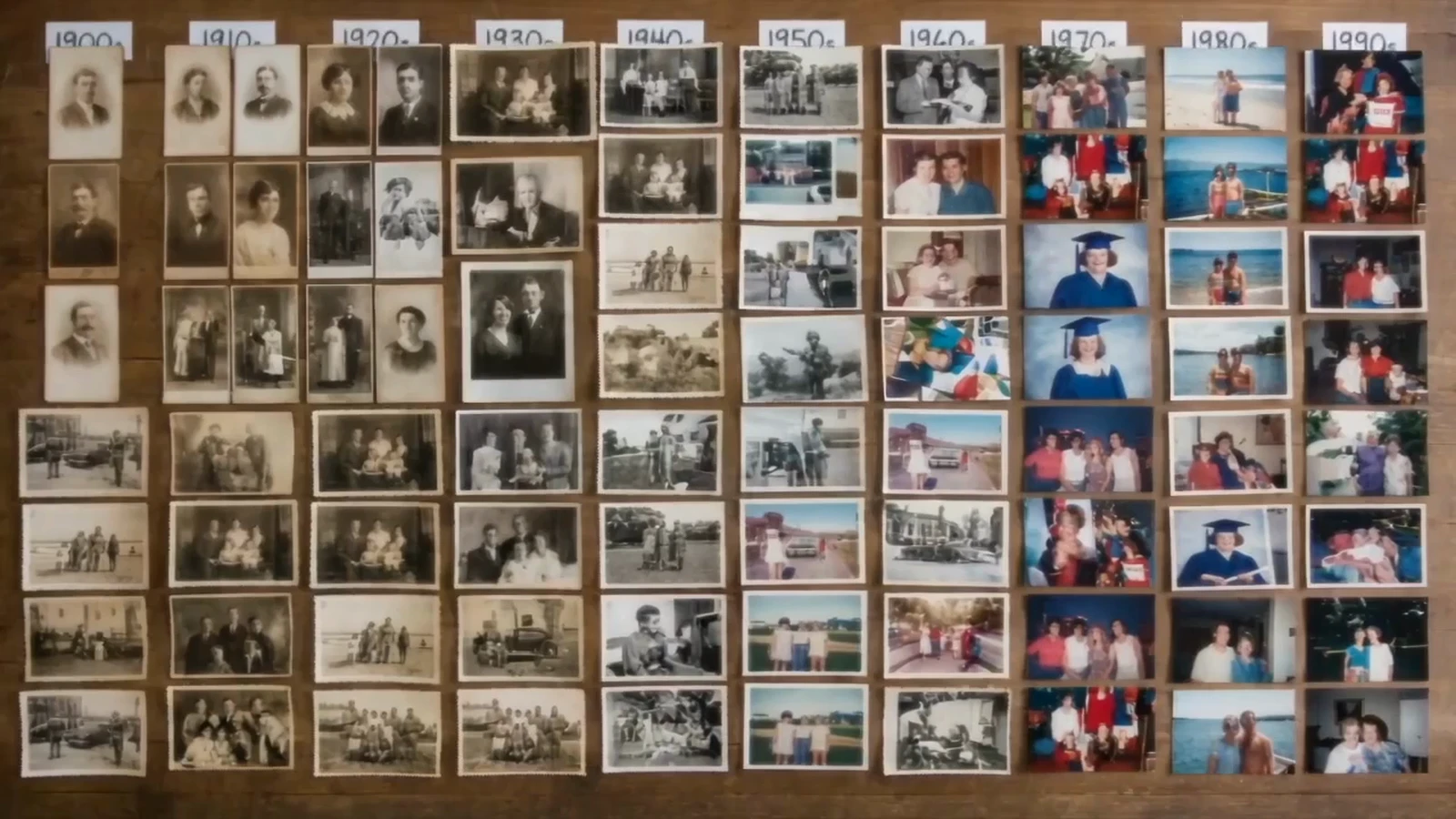
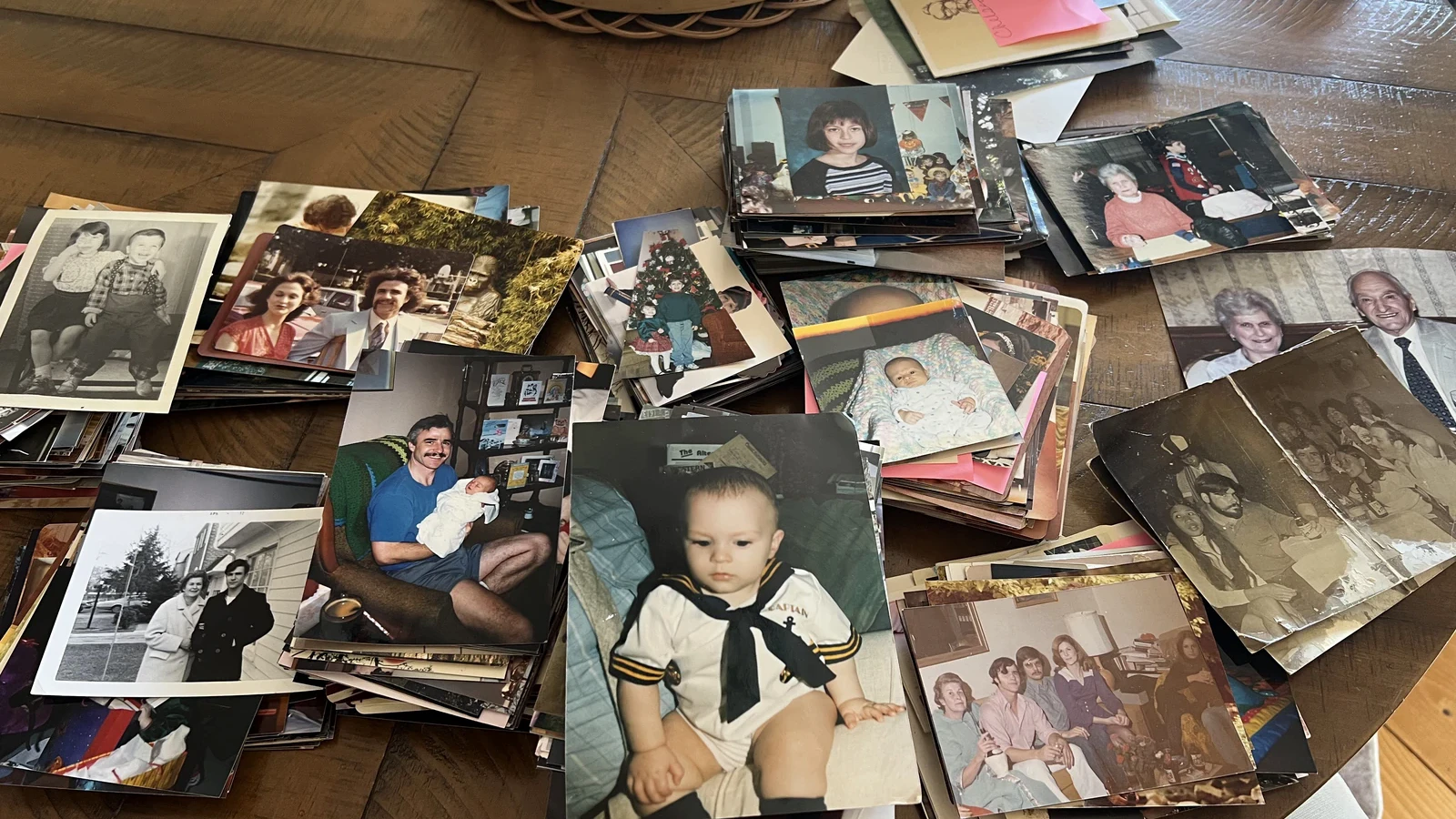
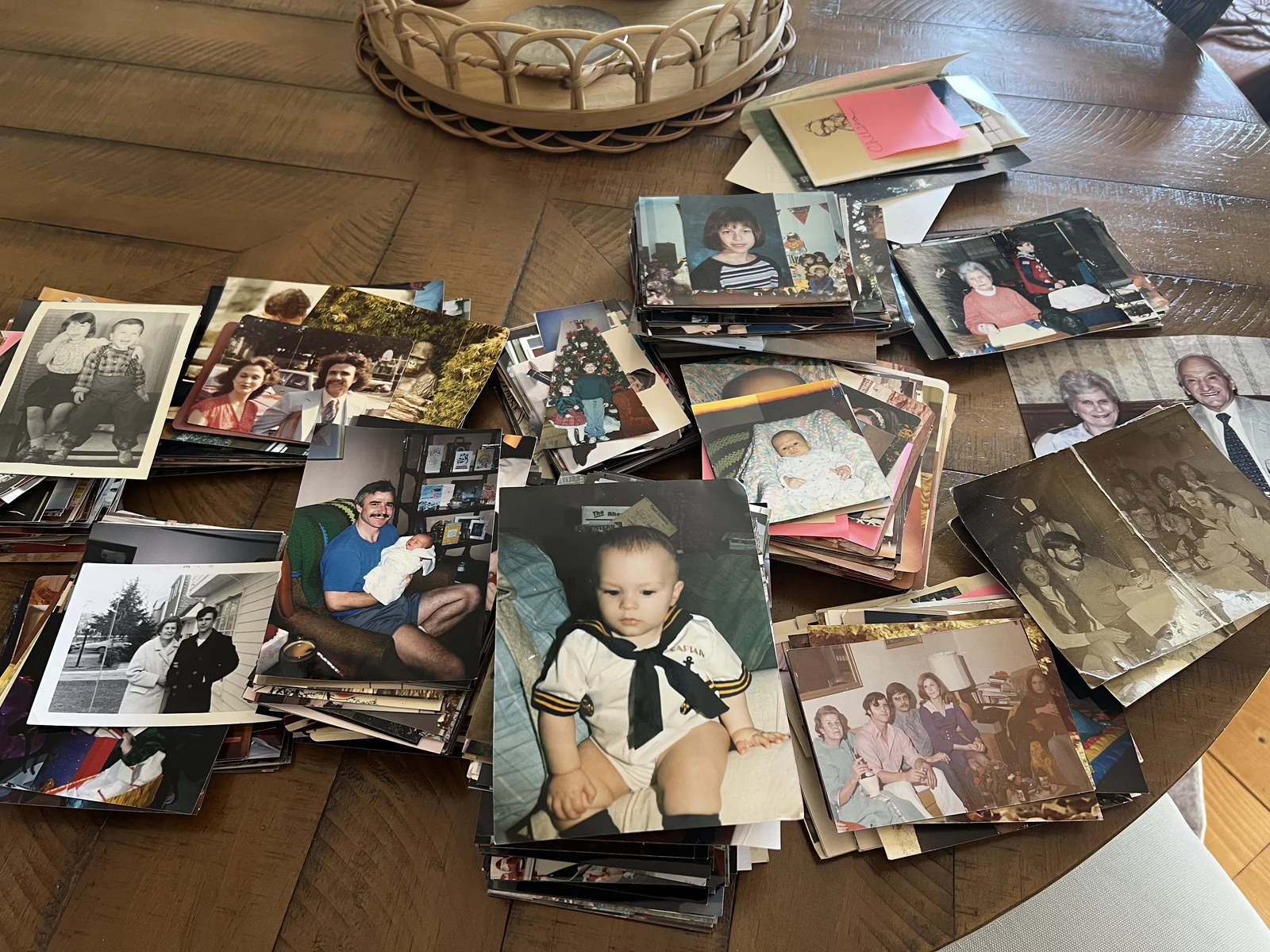
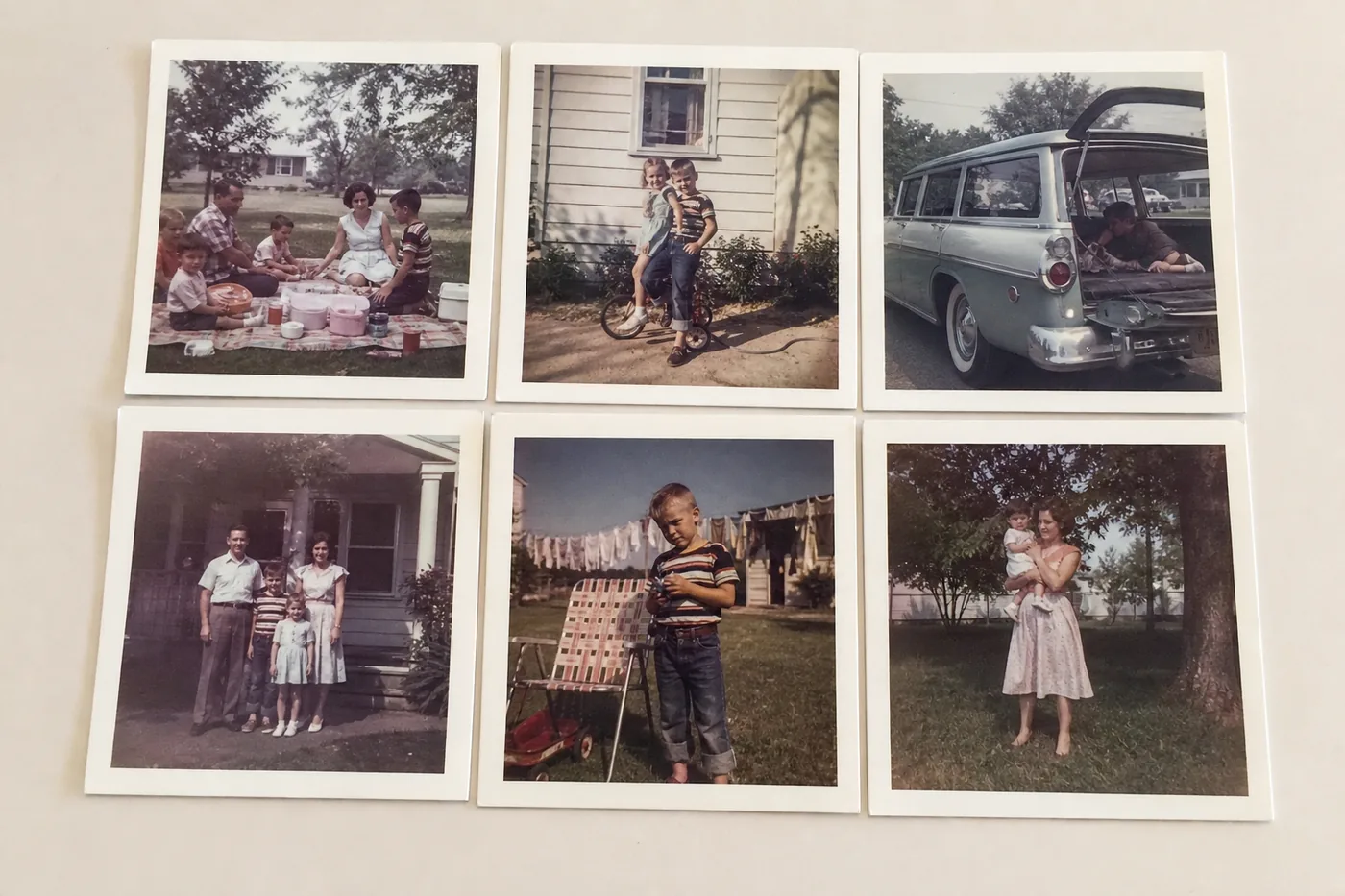
Lay six or eight prints on the table, take one picture with your phone, repeat. Minutes later they come back split apart, turned right side up, sorted by roughly when they were taken, faces grouped, and the whole thing searchable and shareable with one link.

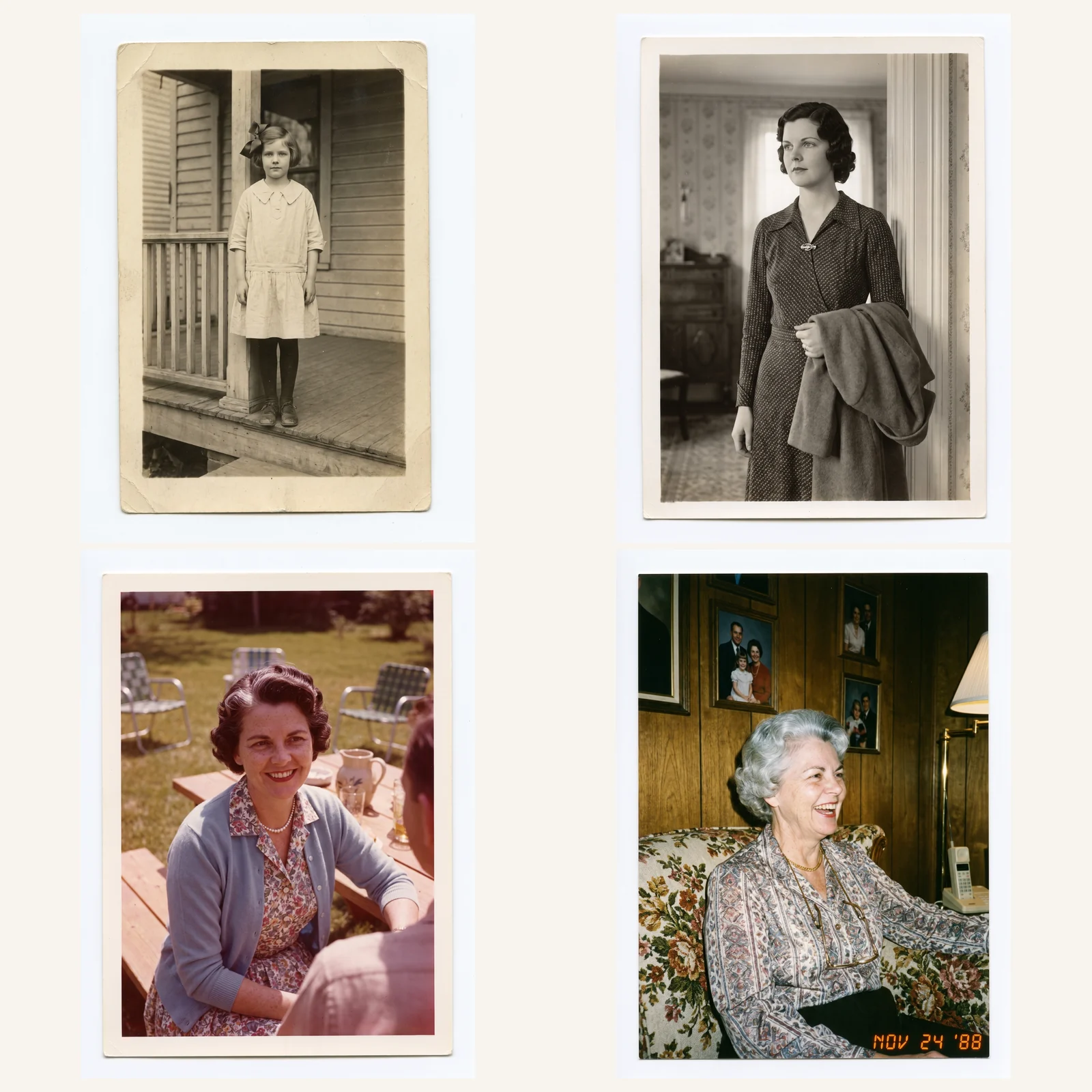
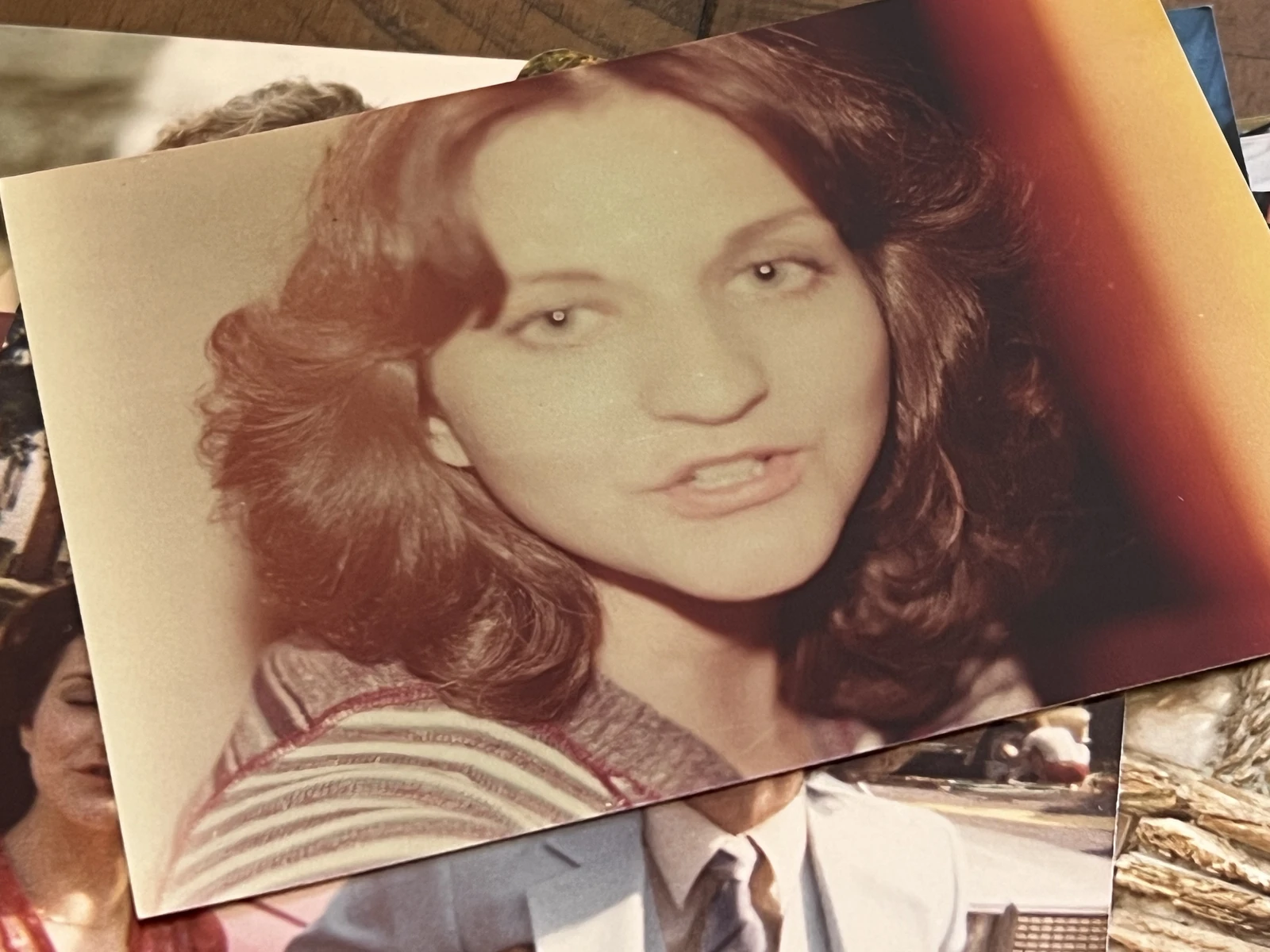
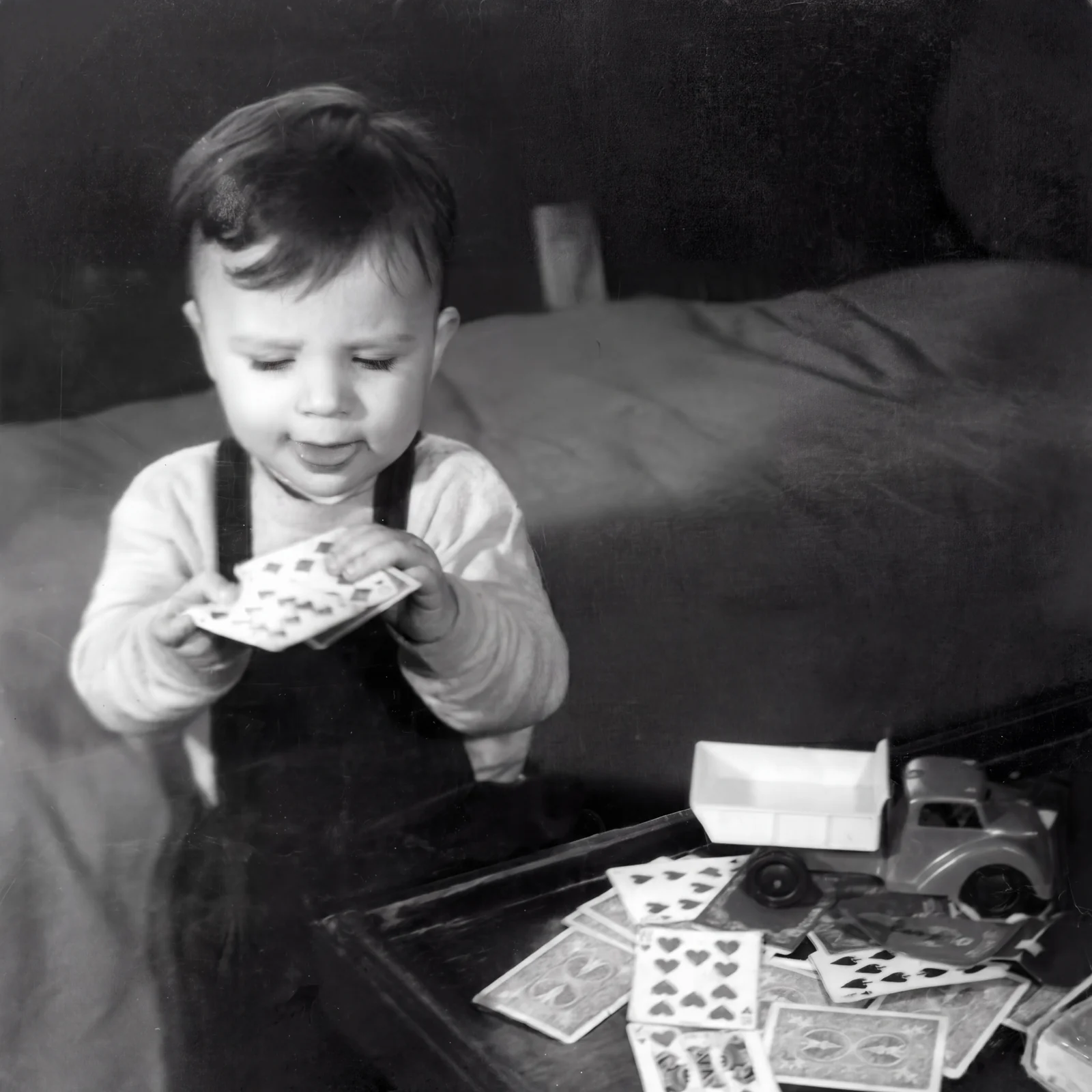
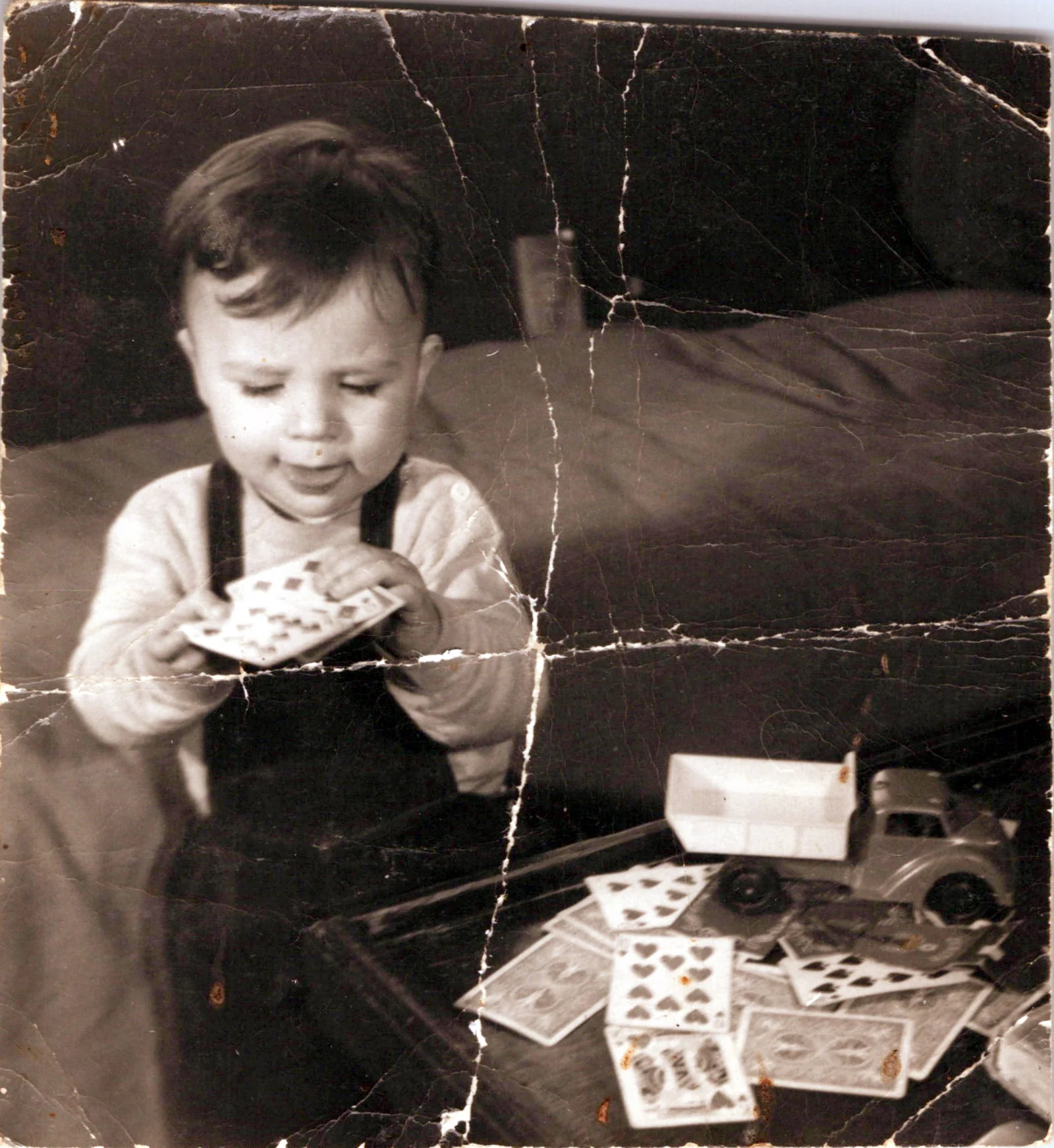
Then, if you want, fix them. Faded. Cracked. Torn in half. Stuck in black and white since 1953. One click and the AI rebuilds it: the tear gone, the color back, sharp enough to print poster size. A restoration studio charges $24 to $36 to do that to one photo and takes a week. You just did hundreds for pennies.

STEP 1

Photograph and upload

Lay six or eight prints on a table and take one picture. Or drop in scans you already have.

Then

STEP 2

AI sorts and fixes

The app splits them apart, straightens them, works out roughly when they were taken, groups the faces and indexes everything.

Then

STEP 3

Share with family

Share one link with the whole family. Fix anything that needs fixing with a click.

You've really got just 3 options

Mail-in service

Mail them to a scanning service for $300 to $750. Your only copies get shipped to a stranger. It takes weeks. A pile of files comes back.
Option 1

Doing it yourself

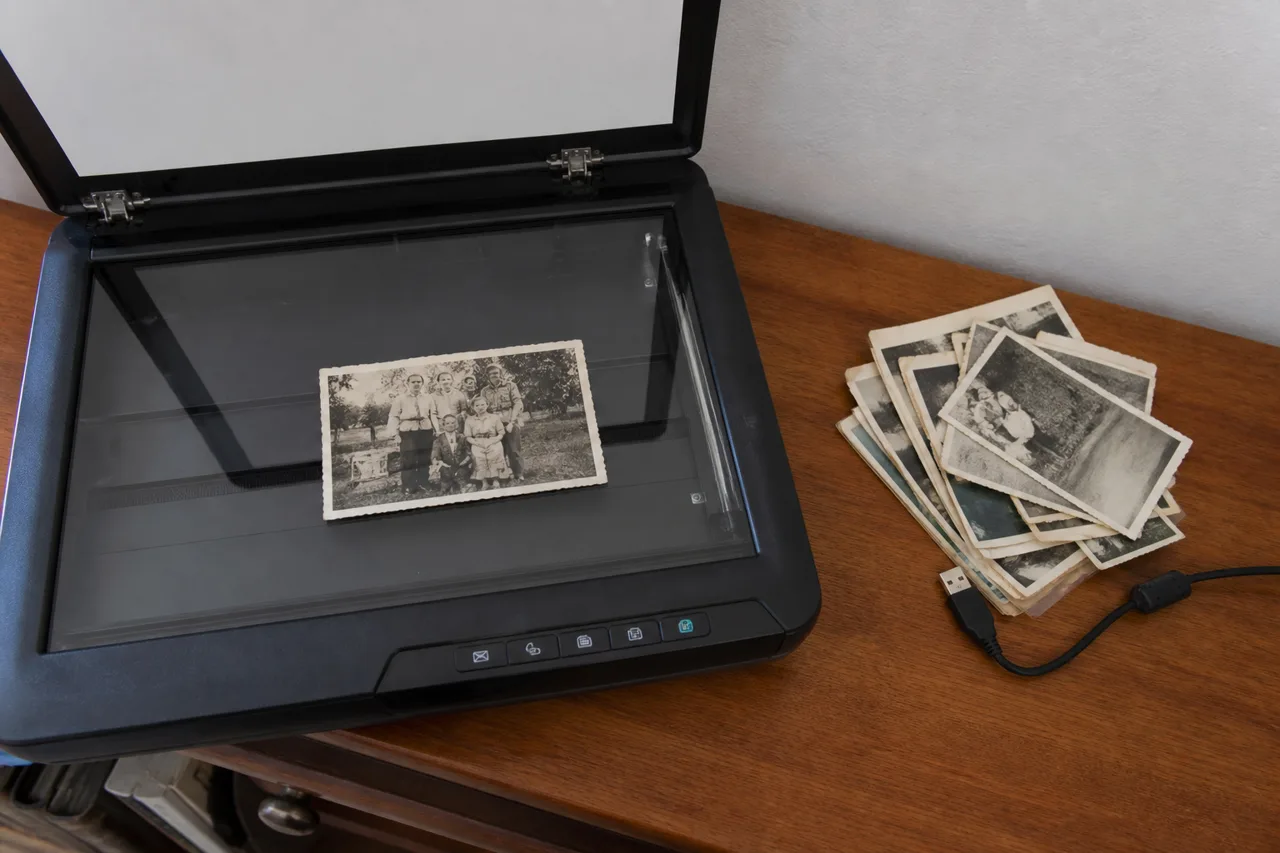
Do it yourself with a $629 scanner. It takes years. Repairing one photo takes hours in Photoshop.

Option 2

Sorted into a timelinePrints on a table

Option 3

After
Before

FamilyArchiveAI

1,000 photos costs $59, once. You stay home and use your phone. It takes minutes. What comes back is sorted, searchable, and shareable. It lives in your own Google Drive.

Create your family archive
Restored printDamaged print
After
Before
Sorted into a timelineA pile of files
After
Before

Search by typing

"photos of grandma" You never name a file.

One time

$59

1,000 photos.

  • Split, straightened, dated, face-grouped, searchable and shareable.
  • Stored in your own Google Drive.
  • AI repair and colorization available per photo.
Does anything get mailed?

Nothing gets mailed. Nothing gets bought. Everything lands in your own Google Drive.

Where do the photos live?

They live in your own Google Drive.

What is $59?

$59 is one time, for 1,000 photos.

Can photos be repaired?

AI repair and colorization available per photo.

1,000 photos split, straightened, dated, face-grouped, searchable, and shareable. $59 once, nothing mailed anywhere.

Nothing gets mailed. Nothing gets bought. Everything lands in your own Google Drive.